VISITOR MANAGEMENT SYSTEMS FOR MICROSOFT 365
Seamless visitor management


Create a great impression with visitors, ease administrative tasks & enhance security.
Overview
Impress visitors & streamline reception tasks
Free up front office and security staff while creating a more professional, joined-up visitor experience.
Our visitor management solution for Microsoft 365 is designed to work naturally with the way people already book meetings and rooms. Visitor registration can be embedded directly into Outlook, or triggered from a standard room booking made through Room Finder or Microsoft Places.
Once visitors are added, the solution can automate the wider process around their visit – from capturing special requirements and issuing security badges to notifying hosts, supporting self-service check-in and helping reception and security teams prepare in advance.

WHO WE WORK WITH
Some Essential Customers
What our customers say
“It’s now quicker and easier for hosts to register visitors in advance and provide all the relevant information, such as whether the visitor needs escorting. Managing visitor arrivals has also been streamlined with services that include self-service check-in kiosks and automated notifications to hosts.“
Jane Jennings, Business System Analyst, Supply Chain and FM, NATS

BENEFITS
The benefits of our visitor management solution for Microsoft 365
Simplify visitor preparations
- Visitor details can be collected as part of a meeting room booking, either via an Outlook add-in or a link in a confirmation email
- Make additional requests such as parking & accessibility, catering & allergies, etc.
- Automatically emails directions & safety info to visitors.

Streamline reception services
- Know who’s visiting well in advance
- View visitors by arrival time, name or meeting
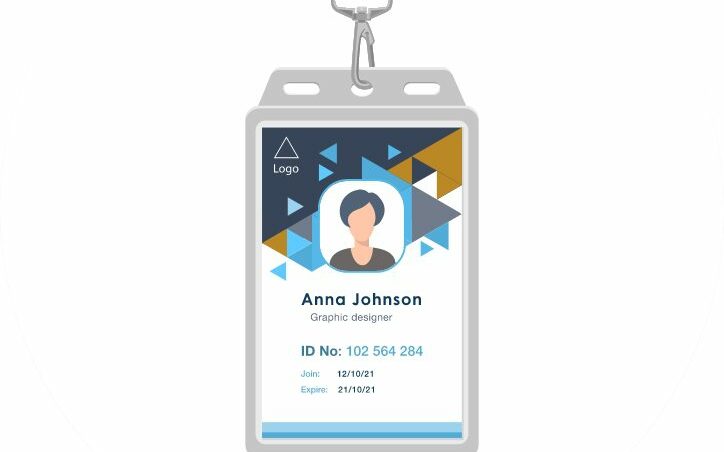
- Print badges
- Automatically notify hosts of arrivals
- Use self-service kiosks
- Keep a log of who’s in the office at all times.
Enhance security measures
- Get data to help with staffing (e.g. arranging security escorts)
- Customise the level of data you need to capture
- Support location-specific security procedures
- Manage visitor data in line with the GDPR.
Schedule a chat & demo
What our customers have to say about us
What our customers have to say
“With our existing Zoom Workspaces contract ending, Essential stepped in and rapidly replicated some of the styling elements we had on our existing Zoom workspace booking system to help create a familiar UX when we migrated across to Microsoft Places.”
Mark Baldus, Infrastructure & Operations Manager, Dudek

What our customers have to say
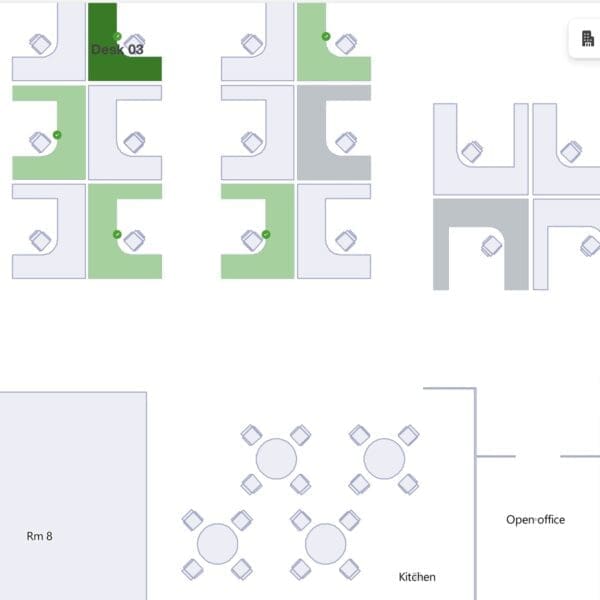
“Essential has transformed our workspaces and car parks into intuitive, easily navigated interactive maps, making it simple for our people to select and book their ideal places when scheduling their office days.”
Ryan Arif Workplace Improvement Lead & Facilities, Ageas

What our customers have to say
“Being able to pre-book a desk close to colleagues is a game-changer for our team’s productivity, especially as we are about to be working in an unfamiliar temporary space whilst we refurb our Poole office.”
Chris Egan, Infrastructure Project Manager, Merlin Entertainments ltd
What our customers have to say
“It’s now quicker and easier for hosts to register visitors in advance and provide all the relevant information, such as whether the visitor needs escorting. Managing visitor arrivals has also been streamlined with services that include self-service check-in kiosks and automated notifications to hosts.”