

Why physically numbering your desks is essential for desk booking system success


There’s one big oversight we see time and time again when organisations roll out a desk booking system – and it’s so fundamental that it can undermine the entire project from day one.
What is it?
Implementing a desk booking platform without physically labelling the corresponding desks.
It sounds obvious, but it’s surprising how often this step gets overlooked and not done in advance of going live with a desk booking system.

Do we need desk numbering if we’ve got interactive floor plans?
An interactive map with desk numbers is great, but it’s not enough.
Even if office users get a reminder of the desk number they’ve booked, and can click through to a map, the chances are it will be difficult to reconcile the floor plan with what’s happening in the actual office.
The floor plan may not be oriented to coincide with the point of entry, it may be a big office area with lots of ‘samey-looking’ banks of desks…
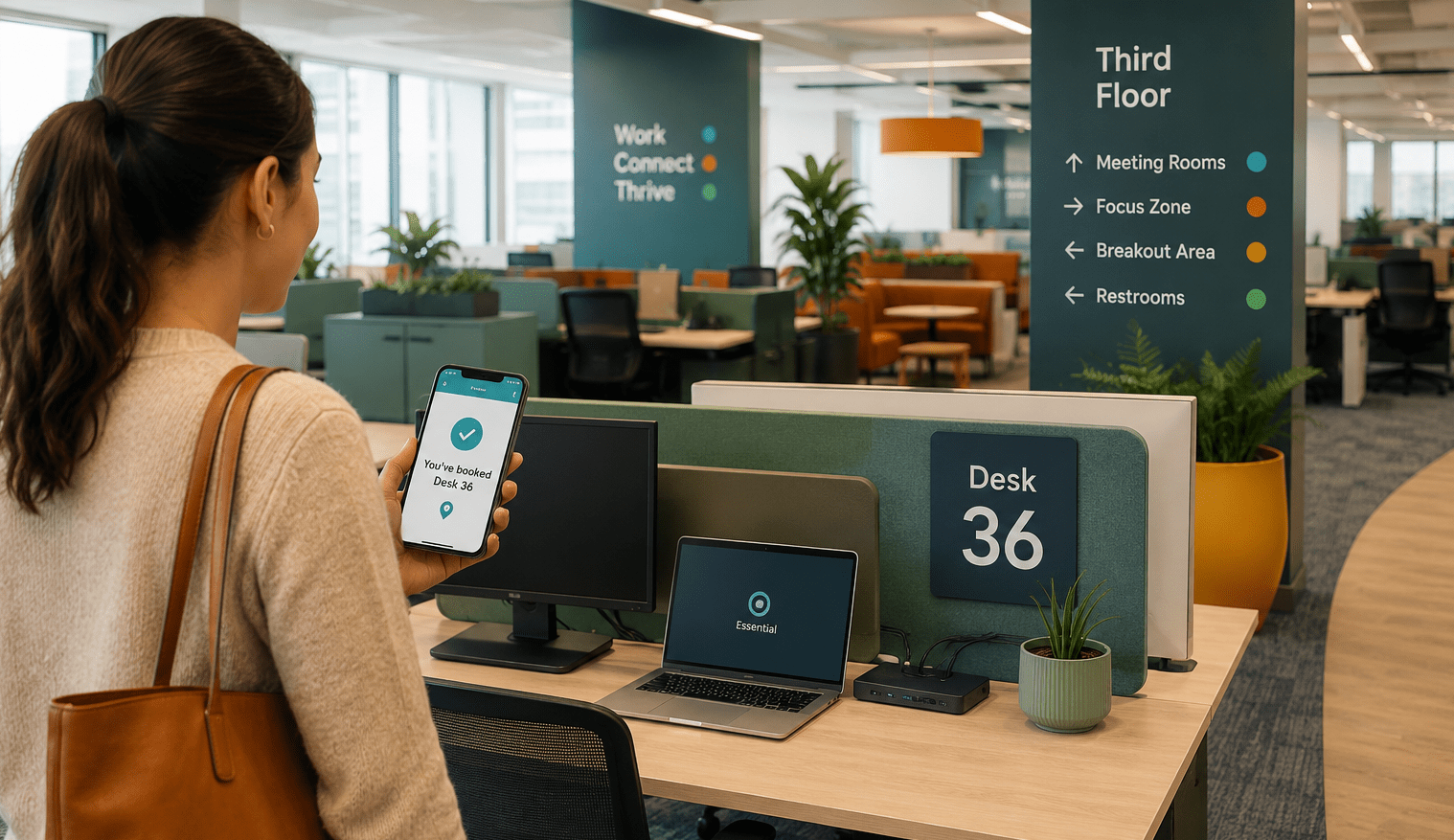
Without a clear physical match between the desk number booked via the floor plan, and the actual desk in the office, Sally may book Desk 36 in advance, but accidentally sit at Desk 42 on the day, leading to the following possible outcomes:
- The person that actually booked Desk 42 arrives to find somebody already sitting there – cue awkward conversation
- Sally may have pre-booked Desk 36 because her co-worker John was sitting nearby, but now she’ll be in the wrong desk and the planned collaboration might not happen
- Two desks instead of 1 might be used up – the originally booked desk, and the desk they end up sitting at instead
- Utilisation reporting becomes inaccurate. Let’s say desk 36 is a riser desk and 42 is a regular desk, and your FM teams wants to determine demand for riser desks
- Users might lose confidence in the whole concept of pre-booking before an office visit, and stop using the desk booking system. This has many consequences, including not having enough desks to seat everyone on peak occupancy days.
The simple act of putting signs on your desks that correspond with your floor plans can stop these things from happening.
Can a desk check-in process stop users sitting at the wrong desk?
There’s a number of ways in which users can check into their pre-booked desk. Some are more effective than others at ensuring the individual is sitting at the right desk!
For example, Microsoft Places supports peripheral-based desk detection, allowing users to check into the desk they pre-booked by physically connecting their laptop to a docking station or peripheral device.
One challenge with this approach is that users must first connect to the desk in order to establish that they’re sitting at the correct workspace (they should get a message to say they’re at the wrong desk), which is a bit of a hassle.
It is also possible they could sit at the wrong desk and automatically be checked in by Places (if that desk happens to be free), with the possibility of the originally booked desk going to ‘waste’. We’ll be writing an in-depth article on the Microsoft Places check-in experience shortly.
Other desk booking systems offer combined desk signage and check-in technology that allows individuals to authenticate and check into their pre-booked desk using their company security card, as well as benefit from a clear display that shows:
- The Desk ID
- The name of the person that’s booked the desk
- The current status of the desk (e.g. green=free, red=busy, or amber=waiting check-in).

Is way-finding technology an option?
Although dynamic way-finding may be on the roadmap for Places (at least, as an ‘integration’) and is already available as an option for some third-party desk booking systems, setting up the necessary technology* to guide people through your internal office space to their pre-booked desk is – in our opinion – unnecessary – not to mention expensive.
*Technology for way-finding includes bluetooth beacons, Wi-Fi triangulation, ultra-wideband and (UWB) mobile phone sensors.
The simplest and most cost-effective solution for way-finding comes back to clear signage:
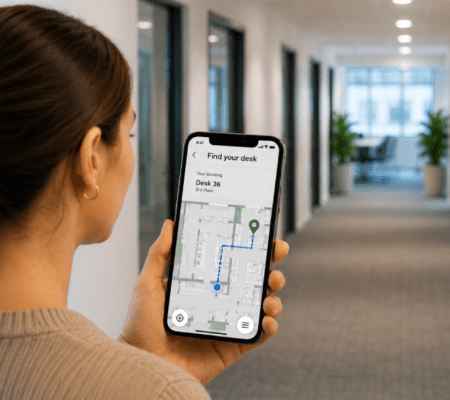
- Create interactive floor plans that clearly identify main entrances and ‘landmarks’. We always recommend a ‘heads up’ approach that places the main entrance to an office space at the bottom of the screen, and includes important ‘internal landmarks’ like coffee points, WCs, lifts and stairs, etc.
- Make sure each desk is physically labelled to match in with the numbering on the floor plans in your desk booking system.
- Include floor numbers into desk numbers. E.g. 2-96 = desk 96 on the 2nd floor.
- Add way-finding signs to your office space – For example, use signs in lobbies that show the direction to turn to find your desk E.g., turn left for desks 353-398 and right for desks 300-352.
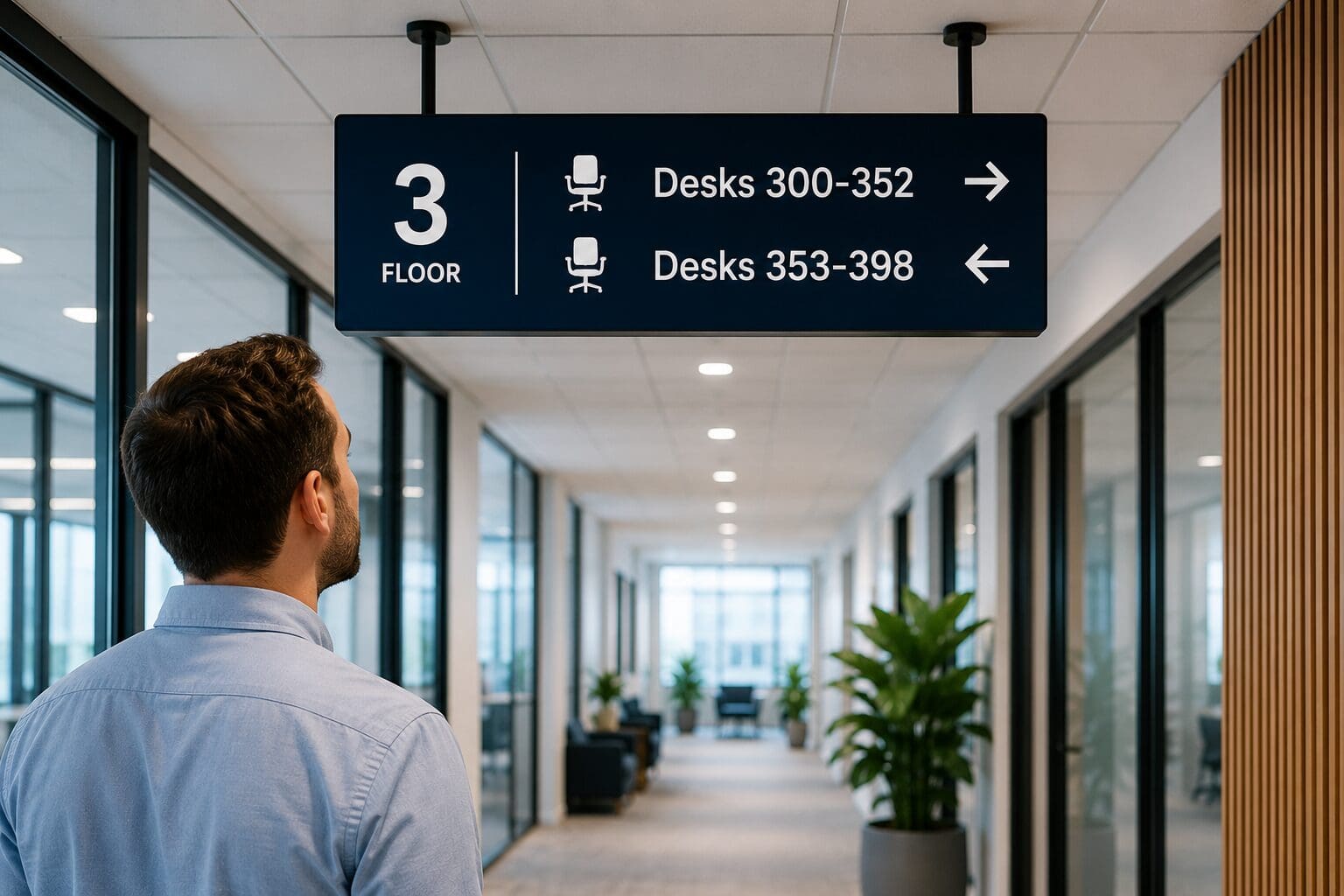
Clear office signage makes the entire experience of finding pre-booked desks dramatically simpler.
The bottom line for successful desk booking systems
The success of a desk booking system rollout is not just about the software. It’s about ensuring that the digital workspace AND the physical workspace line up perfectly.
Although there are several ‘hi-tech’ ways to match the booked desk to the bookee (such as peripheral plug-in in Places, desk devices and way-finding) they require a lot of set-up, can be expensive, and are not without their faults.
Sometimes the best solution is the simplest one. To show people at a glance they’ve arrived at the desk they’ve actually booked… stick a label on it.
Check out our article which goes deeper into best practices for desk numbering – including a range of low cost desk signage options.