MEETING ROOM SCREENS FOR MICROSOFT 365
Flexible status & booking screens for office meeting rooms


Choose from a wide range of digital signage options for your room booking needs.
Overview
Create a slick office experience
Use in conjunction with standard Microsoft Outlook and Teams meeting room bookings, or with our dedicated workspace booking apps, our digital signage options offer benefits to office visitors and FM alike.
- Use outside meeting rooms, Teams rooms, huddle spaces & more
- Display upcoming meetings to allow ad-hoc usage
- Allow instant bookings that automatically update Outlook calendar
- Automatically free up rooms in the event of a ‘no show’
- Reinforce your corporate brand & office styling
…the benefits are endless.

Meeting room screens our customers rely on


BENEFITS
Benefits of using our digital signage solutions
Create the optimal end user experience
- See what rooms are free at a glance
- Make bookings on-the-spot
- See future bookings & make ad-hoc meetings with zero conflict
- Easily check into pre-booked workspaces
- Make contactless bookings using your existing security cards or mobile device.

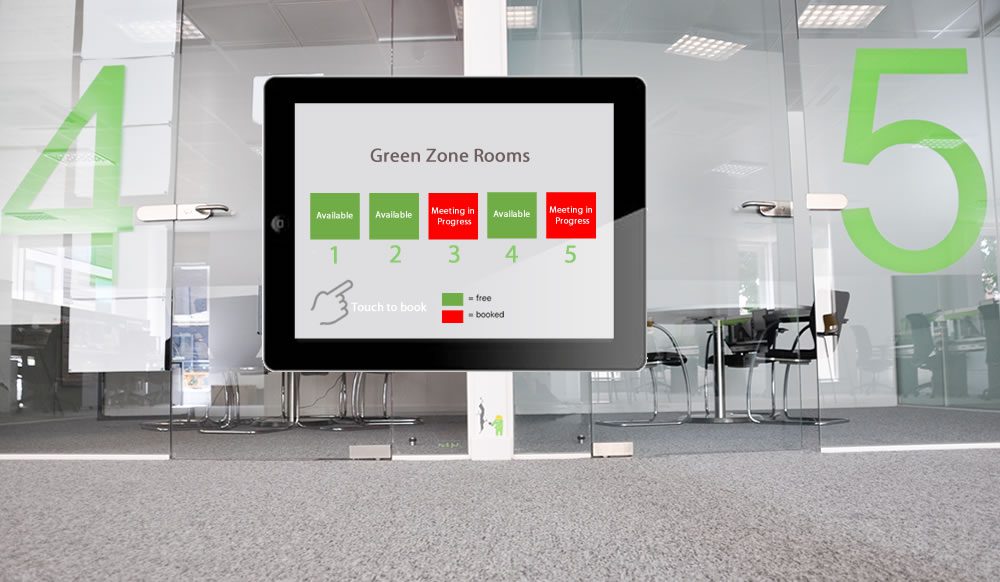
Optimise workspace utilisation
- Automatically free up resources in the event of a no-show
- Showing free/busy status at-a-glance helps make better use of empty workspaces
- Use overview kiosks in receptions & lobbies to display office-wide availability.
Ease ongoing management of your office space
- Collect actual workspace utilisation metrics
- Centrally update on-screen details – e.g., in the event of a room name change
- Capture faults on-screen, e.g., broken microphone.
- Send messages to workspace users & visitors.

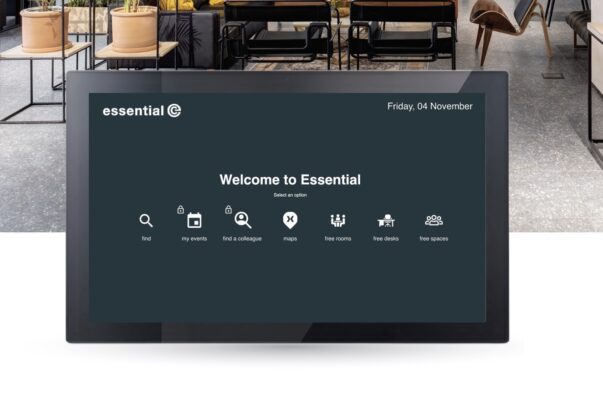
Highly flexible & customisable
- Tailor screens to reflect your corporate branding & decor
- Use your preferred technology: iPad, Windows, Android, etc.
- Show next availability, meeting hosts or meeting titles as required
- Use overview kiosks or individual room screens
- Use your existing RFID security cards to check in and book.
Schedule a chat & demo
FEATURES
What to look for in meeting room screens for Microsoft 365

Centralised device management & updates

Tailorable to match your decor and branding

Support for off-the-shelf screen technologies
A range of check-in options e.g., QR codes

Support for your existing ID cards
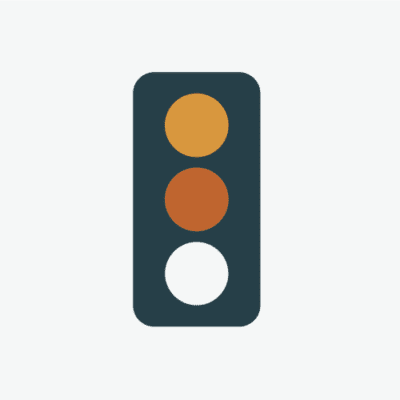
Clear status lights e.g., red/amber/green

Contactless operation

A choice of overview & individual room screens
What our customers have to say about us
What our customers have to say
“With our existing Zoom Workspaces contract ending, Essential stepped in and rapidly replicated some of the styling elements we had on our existing Zoom workspace booking system to help create a familiar UX when we migrated across to Microsoft Places.”
Mark Baldus, Infrastructure & Operations Manager, Dudek

What our customers have to say
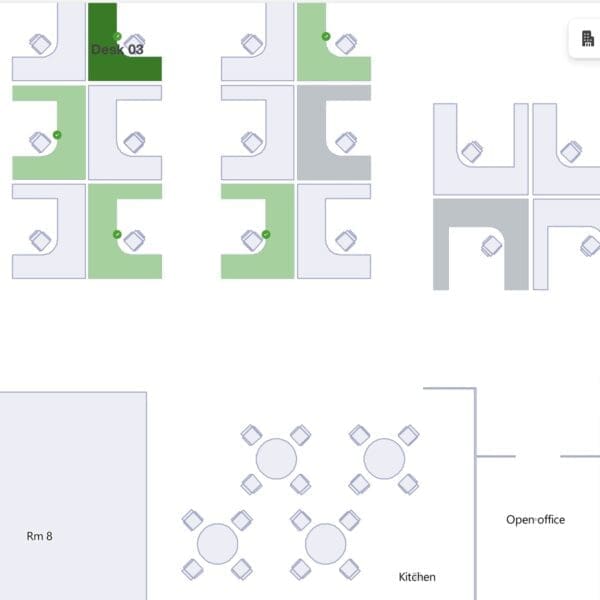
“Essential has transformed our workspaces and car parks into intuitive, easily navigated interactive maps, making it simple for our people to select and book their ideal places when scheduling their office days.”
Ryan Arif Workplace Improvement Lead & Facilities, Ageas

What our customers have to say
“Being able to pre-book a desk close to colleagues is a game-changer for our team’s productivity, especially as we are about to be working in an unfamiliar temporary space whilst we refurb our Poole office.”
Chris Egan, Infrastructure Project Manager, Merlin Entertainments ltd
What our customers have to say
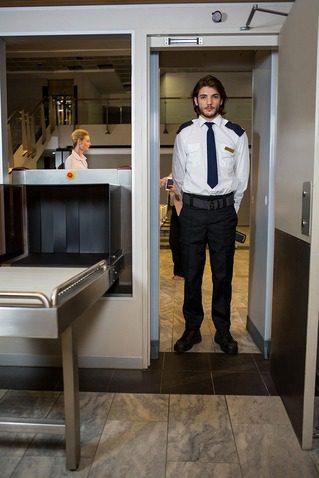
“It’s now quicker and easier for hosts to register visitors in advance and provide all the relevant information, such as whether the visitor needs escorting. Managing visitor arrivals has also been streamlined with services that include self-service check-in kiosks and automated notifications to hosts.”