VIDEOS
Stay up to date with videos from Essential
If you want to receive the occasional notification of forthcoming webinars, white papers, articles and new technology updates, sign up to receive our newsletter.
All Videos
- All
- Employee & Partner Experience
- External Access Management
- Hubstar Connect
- Microsoft Places
- Migration
- Modern Workplace Experience
- Resource Central
- ResourceXpress
- SharePoint Design
- SharePoint Management

Bring some festive fun to your company intranet this season! In this short tutorial, I’ll show you how to create a digital advent calendar in SharePoint Online using the new […]
Booking workspaces from the company intranet Mark Southwell from the Royal Institute of Chartered Surveyors (RICS) gives a tour of ‘Spaces‘, their SharePoint intranet–based desk and room booking system built […]
In this video I demonstrate the AvePoint Insights dashboard, which gives you a clear, traffic light view of security risks across your Microsoft 365 tenant. At a glance, you can […]
We recently noticed an issue when setting your weekly work hours and location schedule for Places. Previously, when setting your work hours and locations, it was only possible to say […]
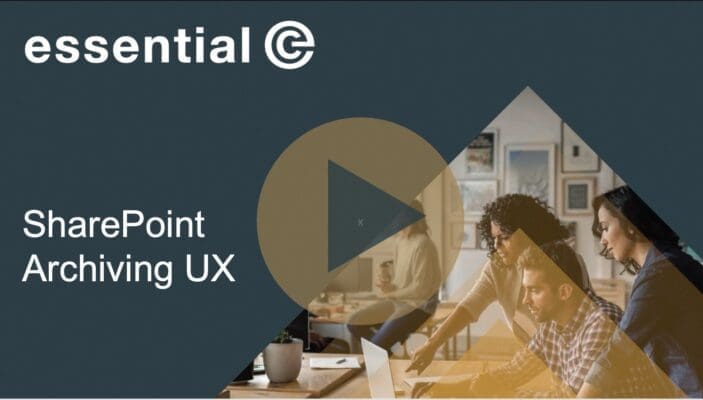
This video covers the frequently asked questions about our SharePoint Online archiving solution, including: SharePoint Online storage can quickly exceed allocated quotas, which could lead to unnecessary costs for additional […]
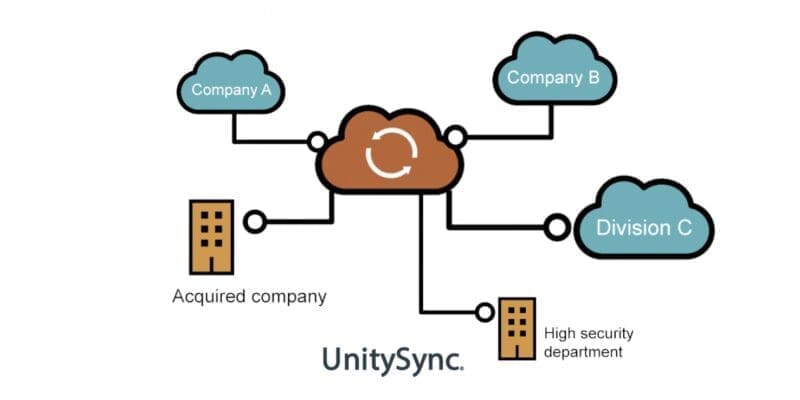
In this video, we showcase how Essential’s Directory Synchronisation solution – powered by UnitySync – helps you keep address books up to date and in sync across multiple environments, making […]

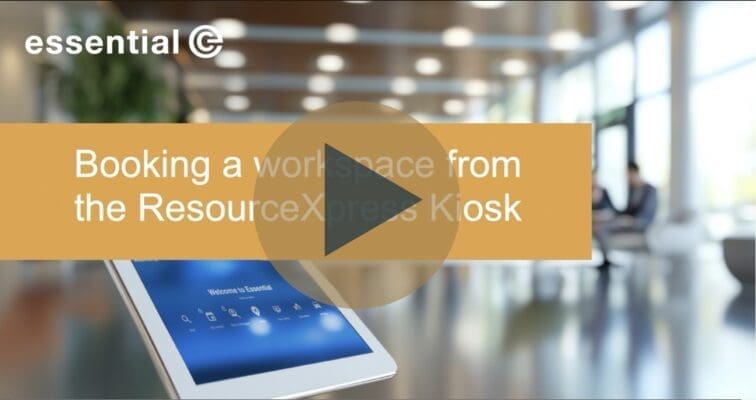
Book workspaces on arrival In this quick demo, we show how the ResourceXpress kiosk makes booking a workspace easy and intuitive – perfect for busy reception areas and office foyers. […]
In this video, we demonstrate just how easy it is to book catering and additional services alongside your room booking in Microsoft Places. As soon as you reserve a room, […]
Did you know that there’s a new ‘Book a Desk option’ available in New Outlook calendar? You’ll find it under the ‘New Event’ drop down in Outlook Calendar. This experience […]
Booking a workspace at the point at which you’d book a meeting in Outlook is the ideal ‘modus operandi’ In this video we look at how you can book a […]
Why book workspace when no-one else is in the office? When you’re deciding on the best day to visit the office, a lot depends on whether all the key people […]
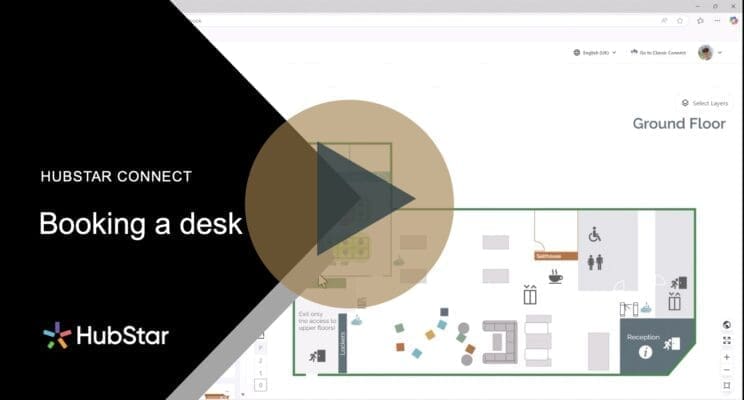
Book everything you need for your visit to the office – in one go! In this short video we show how easy it is to book a desk when you […]
Book everything you need for your visit to the office – in one go! In this video we demonstrate how using the Hubstar Connect workspace and resource booking system can […]
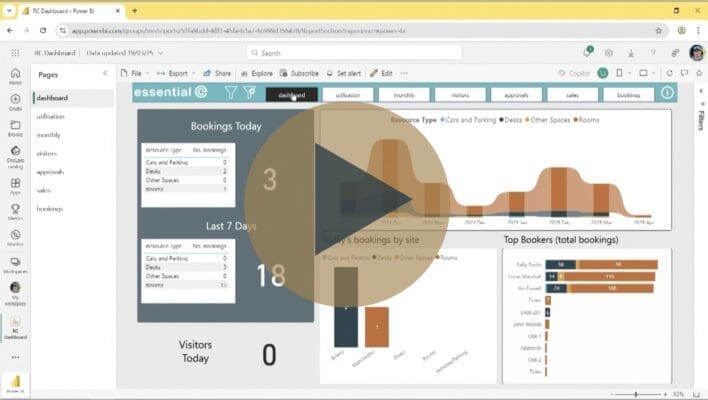
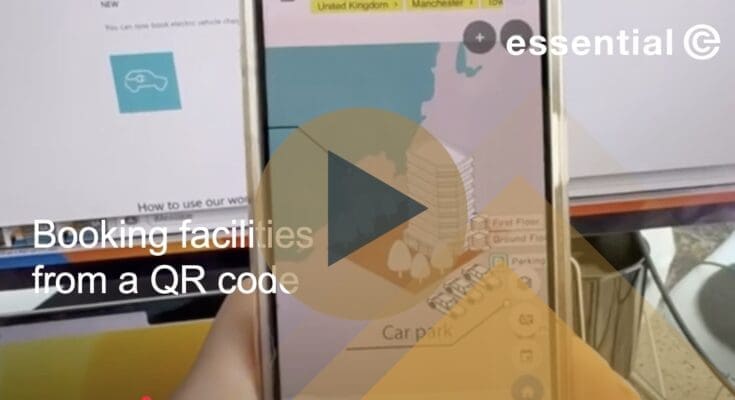
Book resources simply by scanning a QR code In this short video we demonstrate how you use QR codes to allow users to interact directly with ResourceXpress. This example shows […]
ResourceXpress Overview Video Find out why we like ResourceXpress – a solution that offers a wide range of user options as well as a great interactive floor plan experience for […]
See when co-workers are next in the office & book a desk nearby If you’re planning a visit to the office and want to be with members of your team, […]
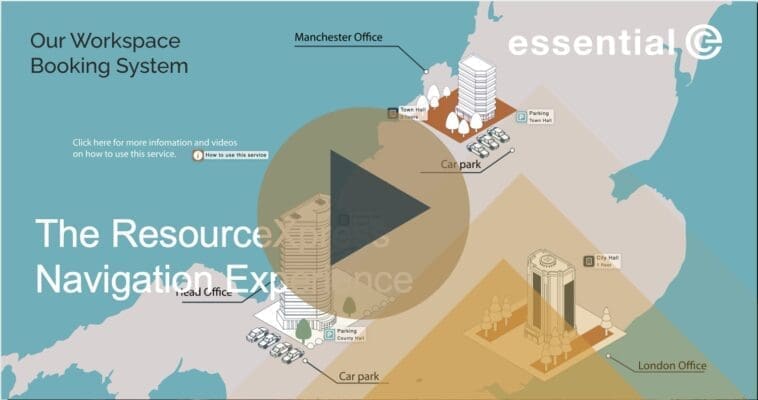
Powerful, Multi-Site, Multi-Level Navigation ResourceXpress features a powerful navigation concept that lets you create a modern and exciting aesthetic for your workspace booking system. You can place navigational markers anywhere […]
In this video we discuss the new ‘Sections’ feature in Microsoft Places. The concept of ‘Sections’ in Microsoft Places was introduced in mid November 2024 as a way of organising […]
This video shows the features available for organising meetings with colleagues using the new Places functionality that’s available with with the following subscriptions: Microsoft 365 Plans: Business Basic, Business Standard, […]

Get up to speed with icons in Microsoft Places In this video, we dive into how Indoor Mapping Data Format (IMDF) works in Microsoft Places floor plans, with a focus […]
Get up to speed with Microsoft Places Microsoft Places is now at the end of its public preview and is taking shape to be a game changer when it comes […]
Booking meeting rooms for recurring bookings It’s not unusual for workforces to want to book a regular meeting: For example, a regular team meeting that takes place on the same […]

Finding a colleague and booking a workspace nearby In this demo, we’ll show you how easy it is to find a colleague in the office and book a nearby desk […]
Working with the Resource Central Assistant Meeting Organiser This video demonstrates the video management console that is part the Resource Central solution for Microsoft 365. The console offers powerful services […]
Self check-in QR codes for visitors This video demonstrates the visitor self check-in facility available with Resource Central for Microsoft 365. At the same time as inviting visitors to […]
This video looks the benefits of working with the native Request Files feature in Microsoft 365 The Microsoft Request Files feature is a valuable tool for securely collecting files from […]
This video demonstrates how to create some large, accessible icons to use in your SharePoint home pages using SharePoint Quick Links and PowerPoint. The Quick Links Web Part is really […]
Virtually all the office workspace booking systems you’ll encounter these days feature the ability to book a desk, room or even car parking space from an interactive map or ‘floor […]
Do you need to allow an external audience to book desks or workspaces in your office? Sometimes it’s handy to be able to give clients and partners access to meeting […]
Working with Resource Central room screens (also known as Digital Sign Service) This video demonstrates how to work with Resource Central room screens – aka Digital Sign Service (DSS). DSS […]
Working with the Resource Central help feature This video demonstrates the Resource Central workspace booking app.
Working with the Resource Central help feature Context-sensitive help in a workspace booking system can be critical to ensuring good user engagement. This video shows how to set up tailored […]
Working with the Resource Central booking manager: blocking out bookable areas This video shows how facilities and office staff can use Resource Central to temporarily block out sections of your […]
Working with the Resource Central Outlook Add-In This video provides a tour of the Resource Central Outlook add-in.
Working with the Resource Central Booking Manager Resource Central works with native Microsoft resource mailboxes and gives enterprises the option to seamlessly extend this service to add requests for catering, […]
Working with the Resource Central Booking Manager Unforeseen circumstances can necessitate changes to meeting arrangements. Resource Central’s Booking Manager offers a seamless solution. With a simple ‘drag and drop’ functionality, […]
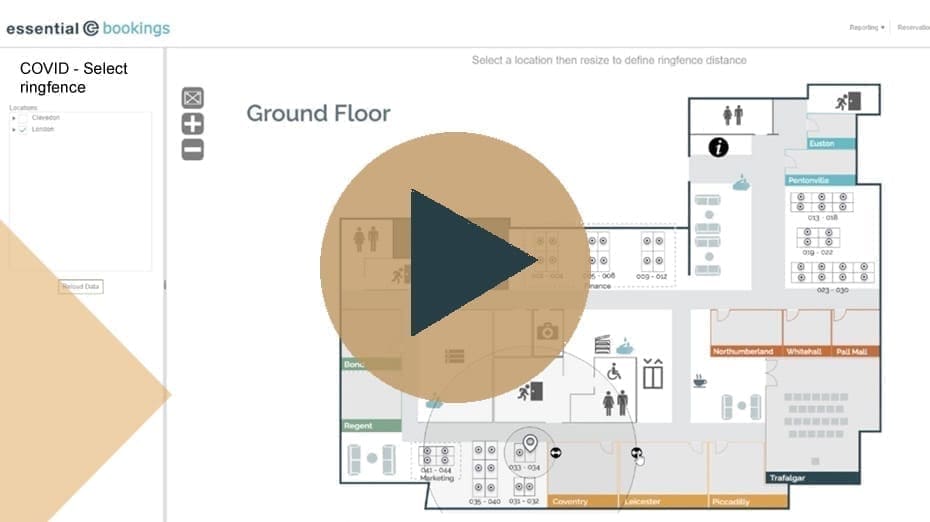
Covid-19 now seems a long way off in our rear-view mirror, but here’s how to remain flexible and responsive when it comes to social distancing. See how easy it is […]
Why your organisation needs a great intranet: #1 Flexibility A mighty intranet as a gateway to your Digital Workplace, boosts flexibility for your employee’s day to day tasks as well […]
If you want to ensure safely spaced desks for staff members visiting the office, you can pre-assign just those desks that are bookable in advance. Alternatively you can make life […]
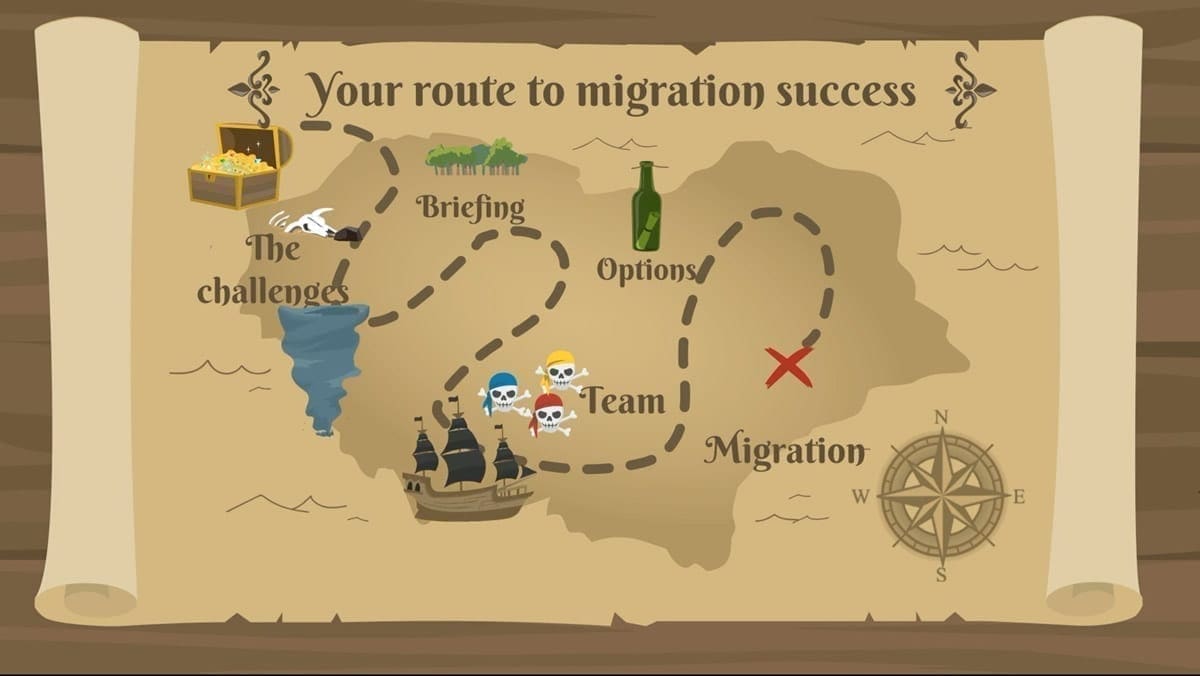
Do you still use an email journal service? Are you working in Microsoft 365 but still maintaining a separate email journal to meet compliance and business needs? If so, you’re […]