ESSENTIAL EBOOK
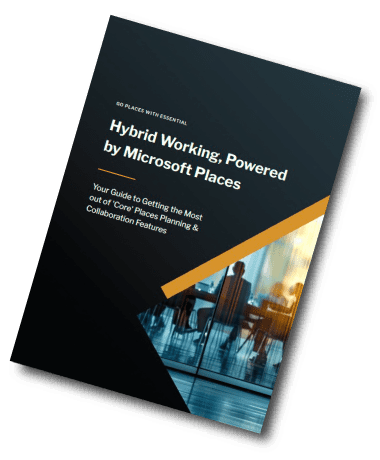
Hybrid Working, Powered by Microsoft Places
With Workplace Planning & Collaboration in Microsoft Places, users can see when their colleagues will be in the office – making it easier to coordinate meaningful in-person time and avoid ‘commute regret’!
This ebook shows you how to make the most of these core features available with your existing Microsoft 365 licences. STOP PRESS – As of April 1st you’ll get ‘Premium’ features in your core licence – read more here about Places licencing changes..
PUBLISHED JUNE, 2025
HYBRID WORKING IN MICROSOFT 365
Get the most out of your core Microsoft licence when it comes to in-person collaboration.
Did you know that with your Microsoft 365 Core licence – and assuming you’re using the new Outlook and new Teams – you can use the Planning and Collaboration features in Places?
Here’s what you get without needing Teams Premium:
-
- A view of where colleagues plan to be:
- Via a ‘People’ view in the Places app
- Via ‘Places Cards’ in Outlook and Teams calendars
- Enhanced (Hybrid) RSVP
-
-
- Organisers can send meeting invites to confirm whether invitees will attend in person or remotely
- Invitees can respond saying whether they’ll join in person or remotely.
-
-
- A view of where colleagues plan to be:
- A weekly location schedule, editable directly from Outlook
Coming soon: Automatic presence detection when users connect to the office Wi-Fi.
See who’s in the office when, and then book using room finder or your regular room and desk booking system.
These various features combine to give users greater visibility of where colleagues are now – or where they’re planning to be – making it easier to coordinate in-person collaboration.