





SharePoint Design
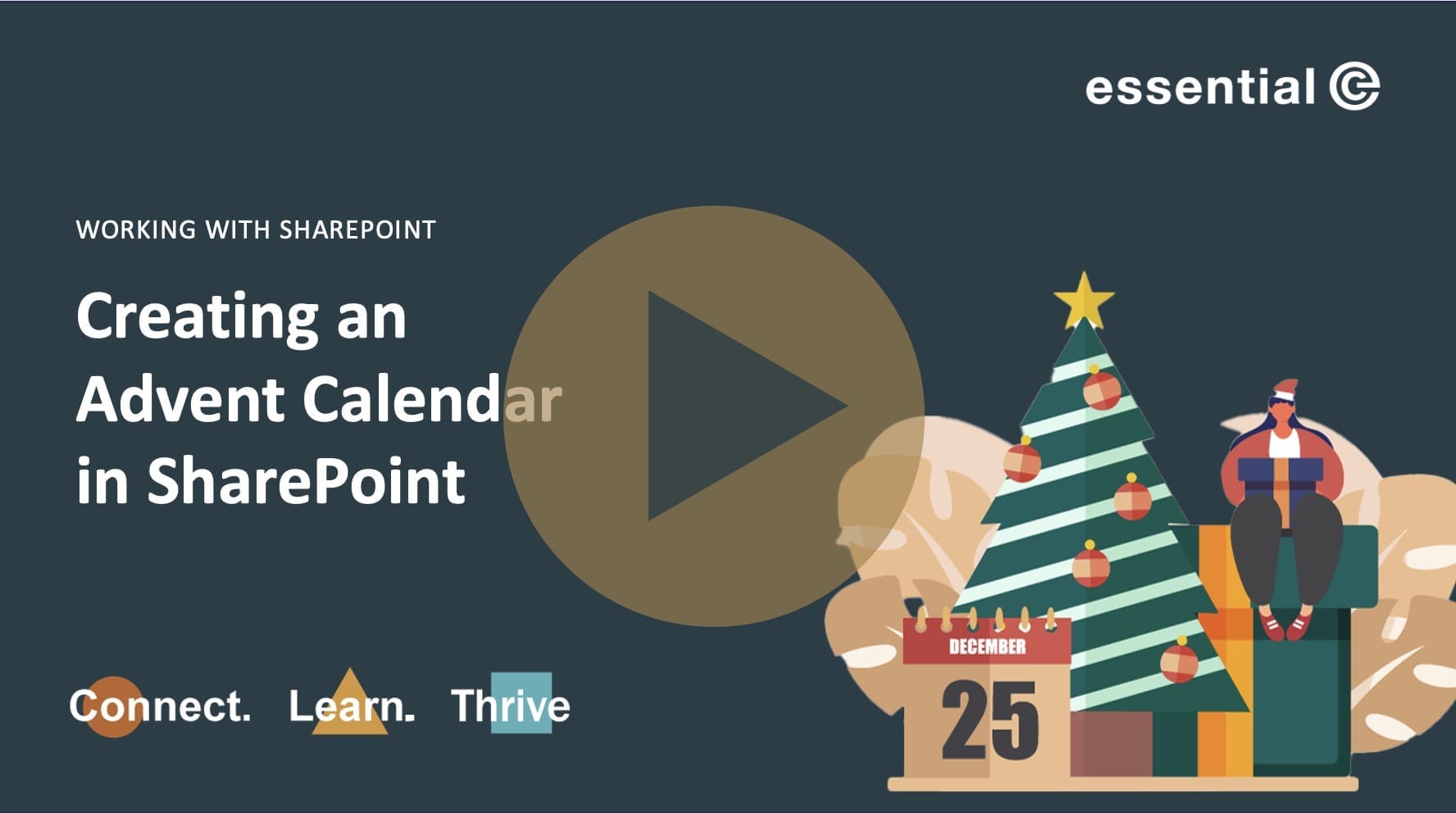
How to Create an Advent Calendar Using the New SharePoint Flexible Section


Bring some festive fun to your company intranet this season!
In this short tutorial, I’ll show you how to create a digital advent calendar in SharePoint Online using the new Flexible section layout – perfect for compact image and hyperlink arrangements.
An Advent Calendar is a fun daily activity that will help drive engagement with your SharePoint intranet: sharing daily surprises, and showcasing what’s possible in Microsoft 365.
Ideal for internal comms, SharePoint admins, or Microsoft 365 champions looking to make their intranet a little more joyful this December!
What you’ll learn:
- How to use Flexible sections in SharePoint Online
- How to design a clickable Advent Calendar layout
- How to reveal daily surprises (images, links, videos, quizzes, etc.)
PS – One thing I omitted to say is that to make your page properly ‘Advent style’ you will need to factor in linking each new day as it arrives to the relevant URL – otherwise people will open every day at once!!!
For example, for day 1, you could link it to a page that describes how to set up a festive Teams background.
Check out this article for more Advent ‘content’ ideas.
SharePoint Governance Essentials
If you use SharePoint and want to get it under control, get in touch.